 Aftermesh
Free Amazon insert card templates
Download the PDF, drop your own QR code into the dashed box, send it to a printer.
The card has to go in before the shipment reaches the FBA warehouse, or it waits for the next one.
The templates
Each one is 3.5 × 2 inches (a business card) with 0.125 inches of bleed on each side. Your own QR code goes in the dashed box.
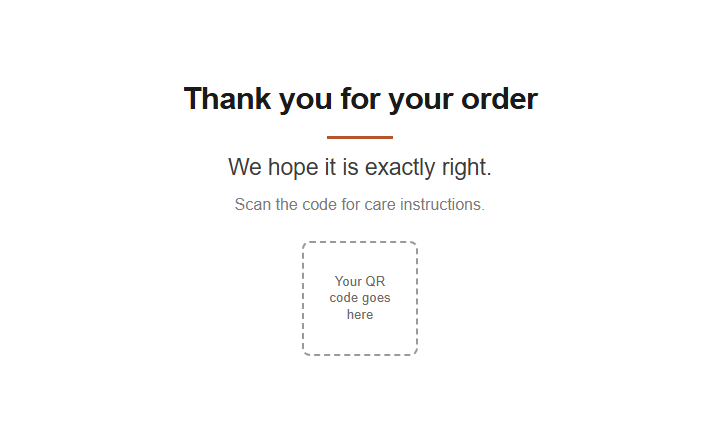
One line of thanks, no mention of reviews.
Download PDF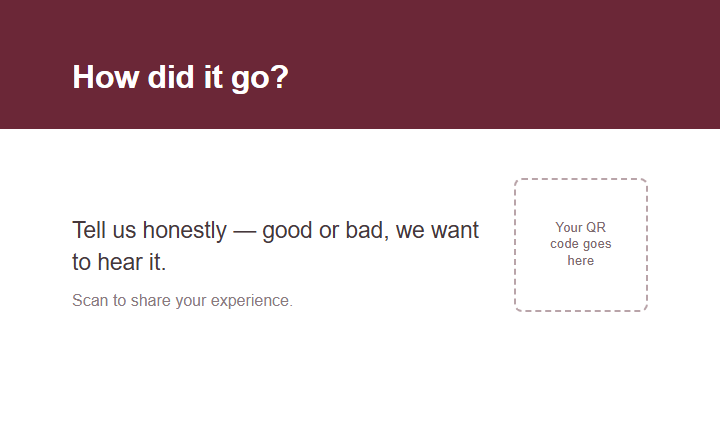
Thanks plus one open question.
Download PDF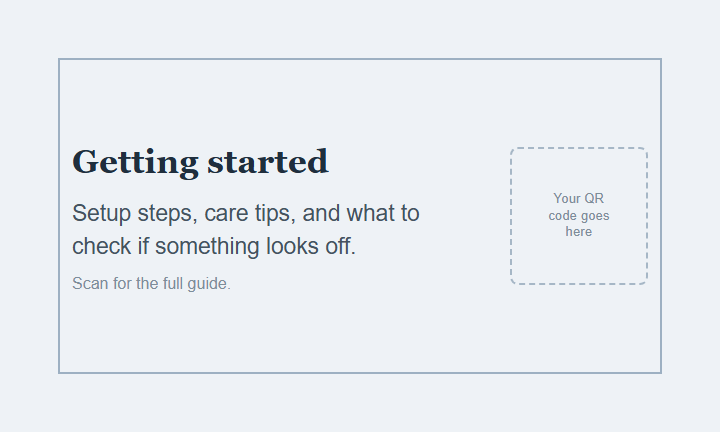
Setup steps on the card, to cut returns from failed assembly.
Download PDF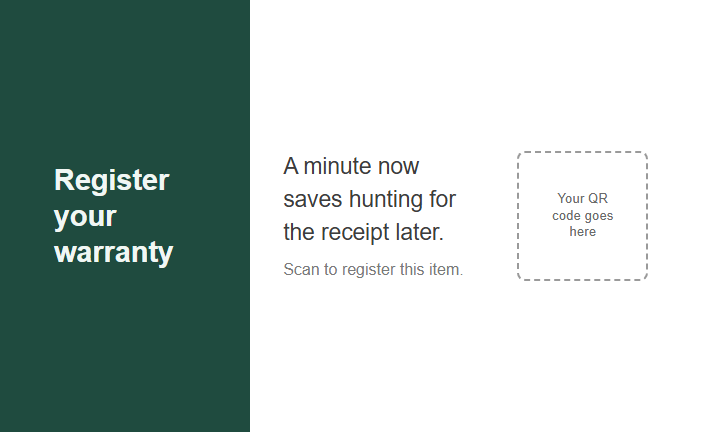
Sends buyers to your warranty registration form.
Download PDF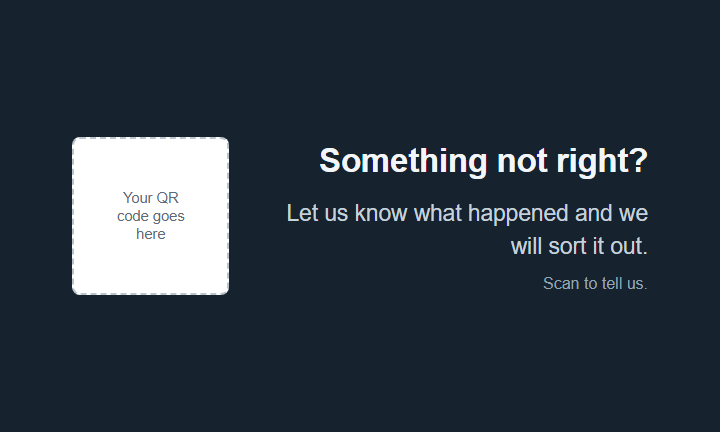
Gives buyers somewhere to report a problem. No mention of reviews.
Download PDF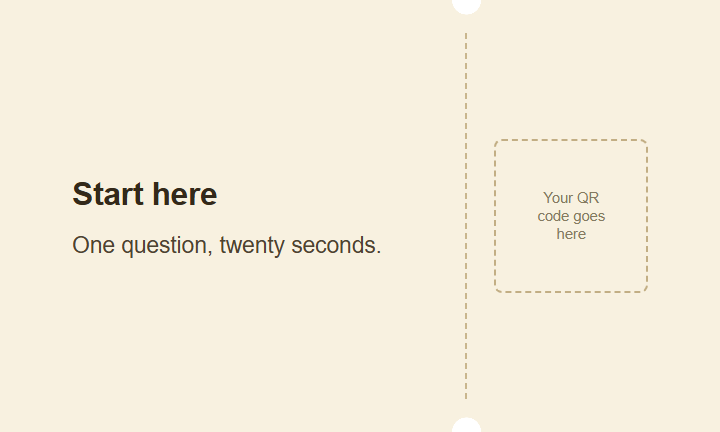
Fewest words, biggest code.
Download PDFWhere the code should point
The code opens a page of your own: the setup guide, the warranty form, somewhere to report a problem. Point it at something you control.
That page has to be the same page for every buyer: don't sort them by how they feel, and don't offer anything in return for a review.
Don't have one? Use ours. With an Aftermesh care link you write what the buyer sees after scanning, and what they send back is stored in your dashboard. The free plan includes 1 care link — see the page a buyer gets →
Sending it to a printer
- The page is bigger than the card: 3.75 × 2.25 inches trims to 3.5 × 2 inches, and the extra eighth of an inch is bleed.
- Use a vector QR code (SVG or EPS) if you can, or at least 600 DPI if it's a bitmap. Leave a quiet zone of four modules around it, and sit it on a white block over a dark background.
- Don't let anyone outline or flatten the text to an image.
Insert cards are usually printed on 300–350gsm (about 14pt) gloss or matt card.
Would rather not deal with a printer? Tell us which template, roughly how many, and where they're going: support@aftermesh.com. We'll come back with options from a printer we've worked with.
What not to print
Don't: "Leave a 5-star review and we'll send you a free gift."
Instead: "Tell us how it went."
Nothing in exchange for a review, and no asking for a good one.
Don't: "Any problem, contact us before leaving a review."
Instead: "Something not right? Let us know and we'll sort it out."
"Come to us first" routes complaints to you and compliments to Amazon.
Don't: "Scan for 20% off at ourstore.com."
Instead: delete the line.
Somewhere a buyer can order is out; your own guide or warranty page is fine.
"You can ask your customers to leave reviews on your products"
— Customer Product Reviews policy document (p9)Asking is allowed. Attaching conditions to it is not.
FAQ
Are these free? Do I have to sign up?
Free, no sign-up. You only need an account if you want us to generate the QR code.
How do I get my QR code into it?
Open the PDF in Acrobat, Illustrator or Affinity, lay your code over the dashed box and save as PDF.
What file do I send the printer?
The PDF exactly as downloaded — don't re-save it as an image. The fonts are embedded.
Can I change the wording?
Yes, and you'll have to for anything with a bracket in it. Read "what not to print" below before rewriting a whole line.
Does Amazon approve insert card templates?
No approval process and no official template. Anyone claiming a card is "Amazon approved" is making it up.
Related: What Amazon's rules actually say about insert cards · Insert card wording, grouped by purpose · What the QR code should open
This isn't legal advice. Amazon revises its policies without notice, so check the current Seller Central help pages (Customer Product Reviews Policies, Selling policies and Seller Code of Conduct, sign-in required) before a print run. Sources last verified October 2, 2026.